
Buying property is a smart investment and a big step toward a comfortable life!
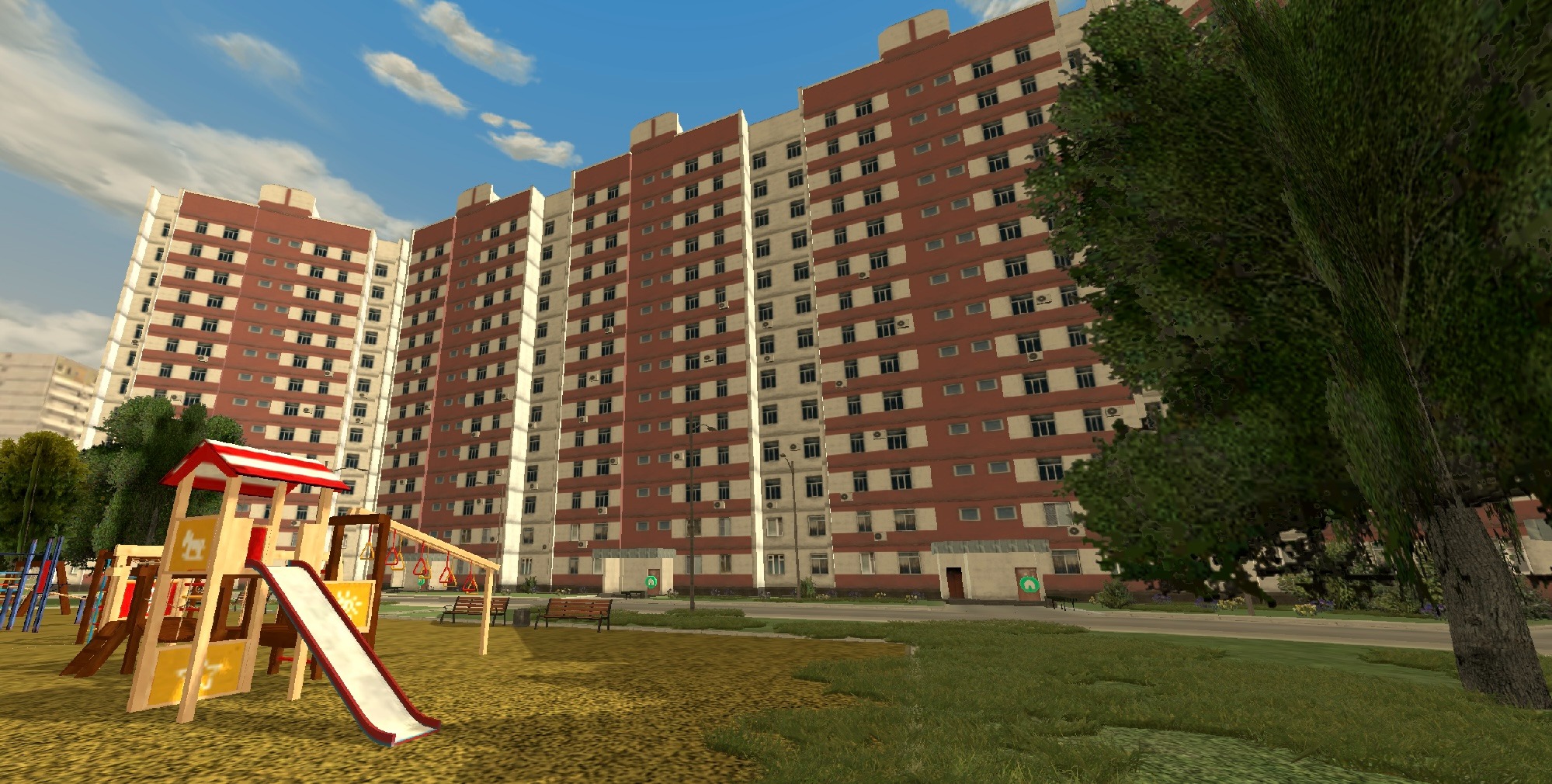
🔴 Bonuses
🔻 Set your home as a spawn spot and appear there instead of the bus station.
🔻 Get a personal garage (for private houses).
🔻 Store items at home without taking up inventory space.
Let’s see how to buy a home and turn it into your perfect place ✨
🔴 Buying from the State
Available houses and apartments are marked green on the map. Occupied ones are red.
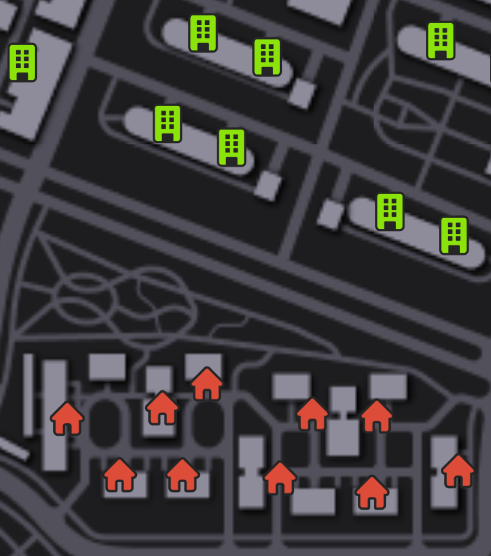
🔻 Head to the green house icon and enter.
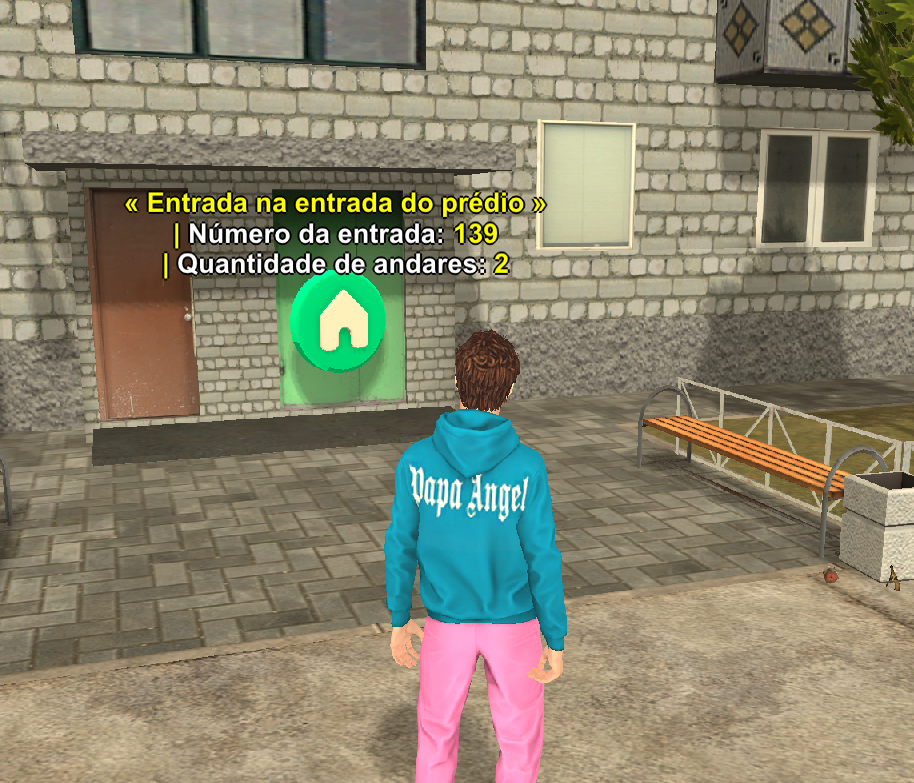
🔻 Approach the apartment or house to view details: owner, price, rooms, etc.
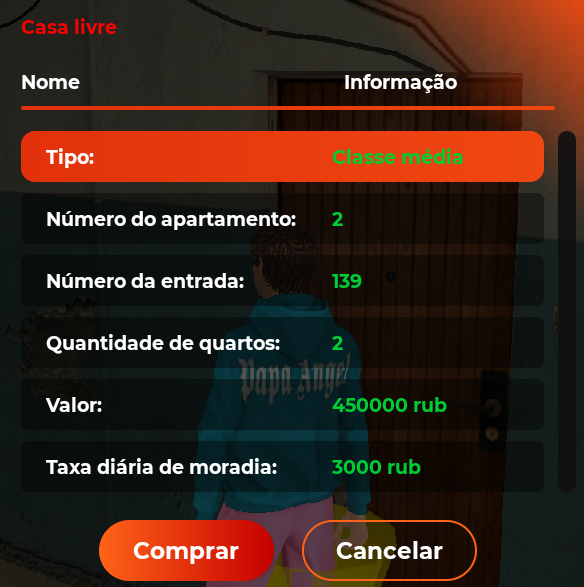
🔻 If the price suits you, tap Buy.
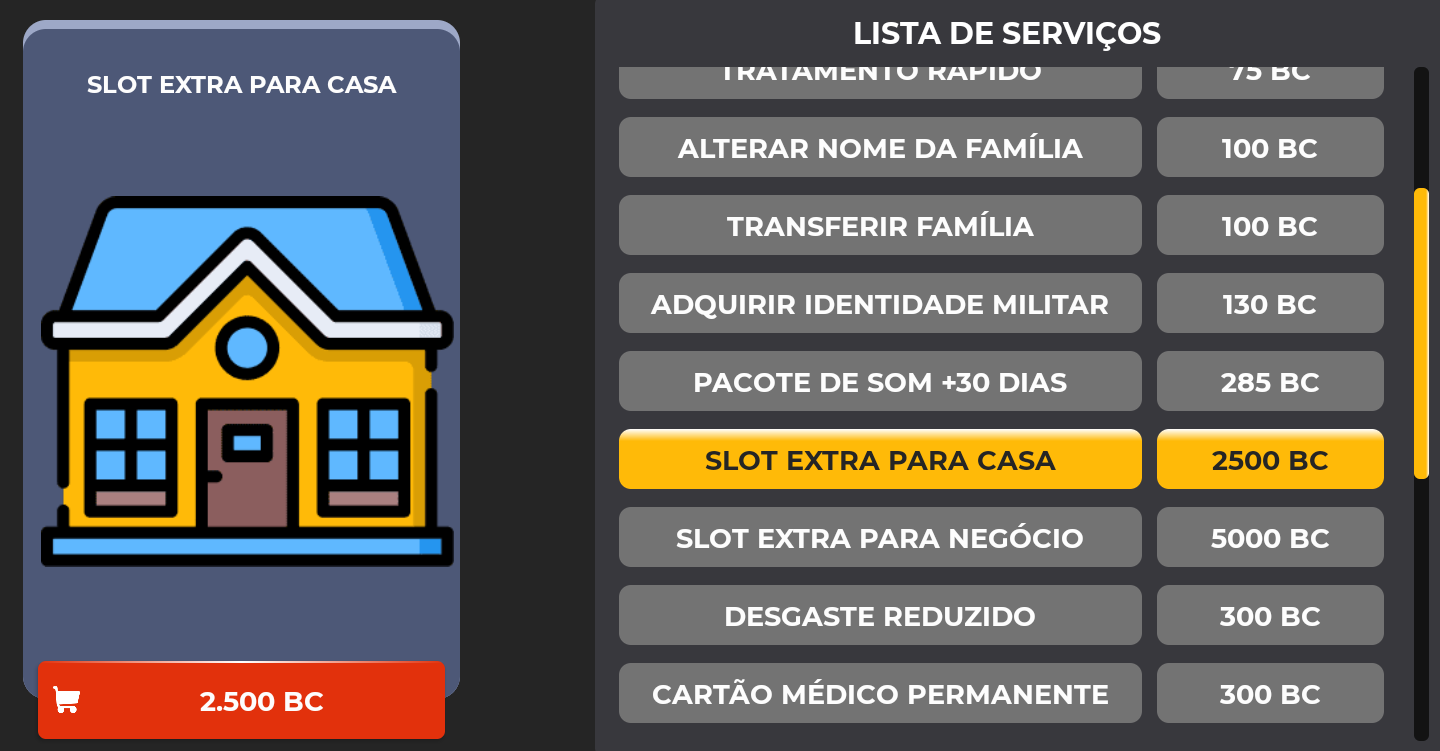
🔻 If you already own property, you can purchase an extra housing slot in the Store for BC.

🔴 Buying from Another Player
Direct Purchase
🔻 Contact the player and agree on a meeting near the property.
🔻 Agree on the price.
🔻 Confirm the deal.
Property Exchange
You can swap property with another player (with or without extra payment).
Both players must own property.
🔻 Type /changeprop [player ID].
🔻 Select the property to exchange.
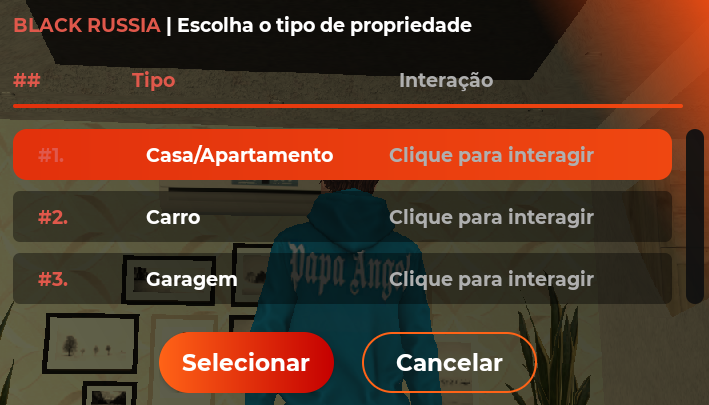
🔻 Choose exchange with or without extra payment.
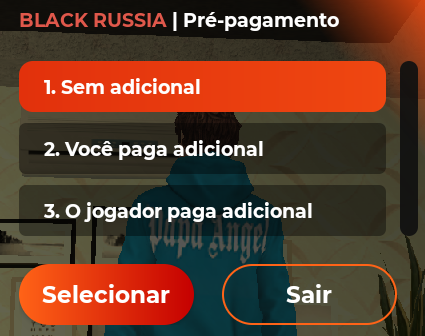
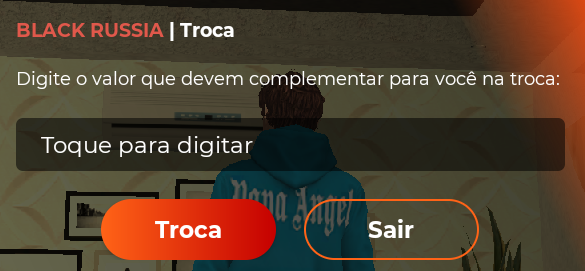
🔻 If extra payment is selected, enter the amount.
🔻 Wait for confirmation.
🔴 Auction
Players of level 3 and higher can buy and sell property here.
📍 Where Do I Go?
🔻 Open Map Legend and select Auction.
🔻 Find the Auction icon (Yuzhny) and tap Track.
🔻 Head to the marker.
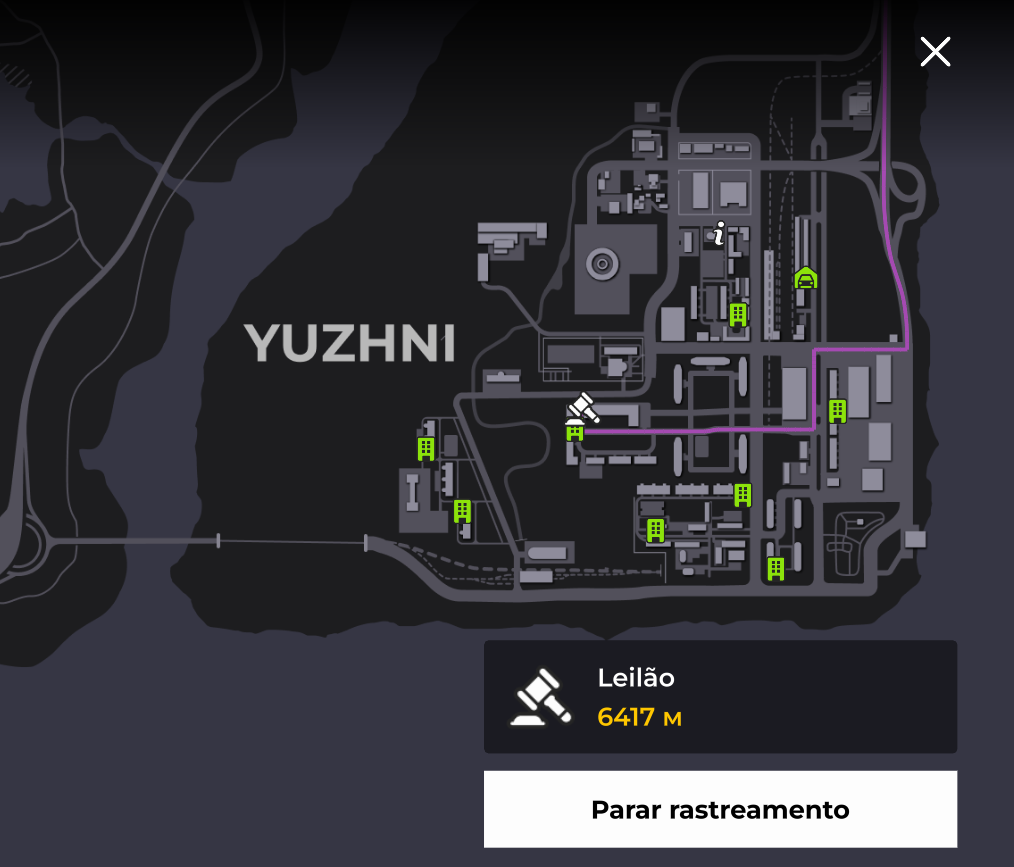
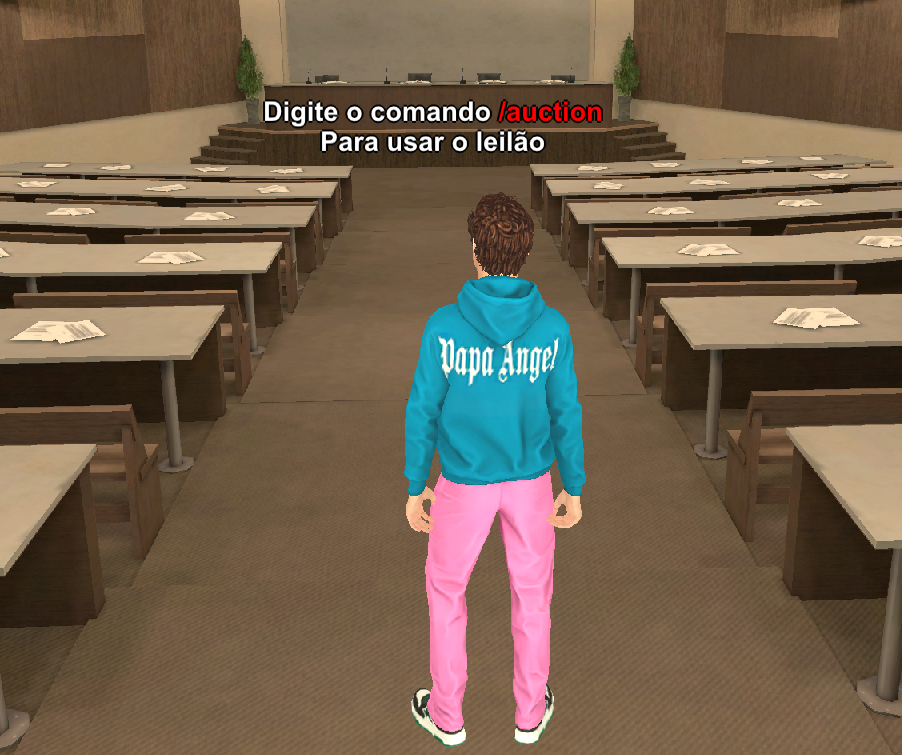
🔻 Enter the building and type /auction into the game chat.
🔻 Select Buy ➡️ Real Estate.
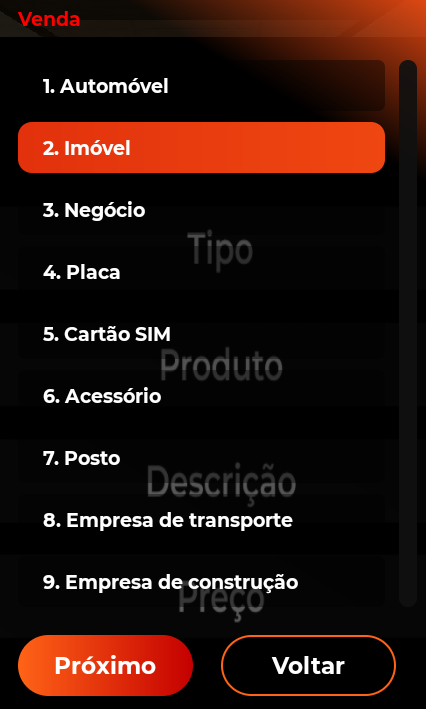
🔻 Choose a property and place a bid.
🔻 When the auction ends, the highest bid wins.
🔻 Other bids are refunded.
📖 Information Center
Check the status of any property here.
📍 Where Do I Go?
🔻 Open Map Legend and select Property for Sale.
🔻 Find the “i” icon and tap Track.
🔻 Head to the marker.
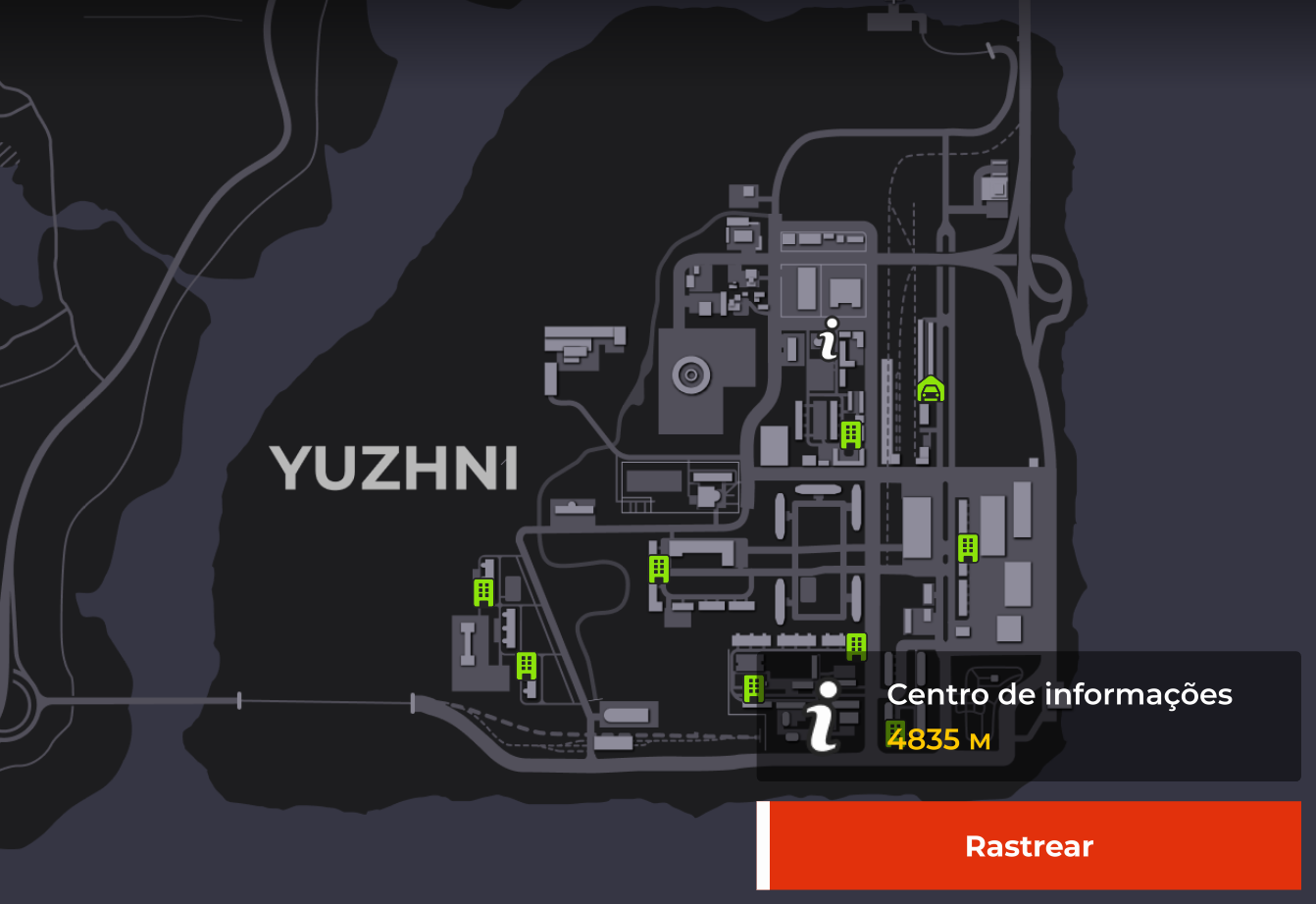
🔻 Enter the building and approach the desk.
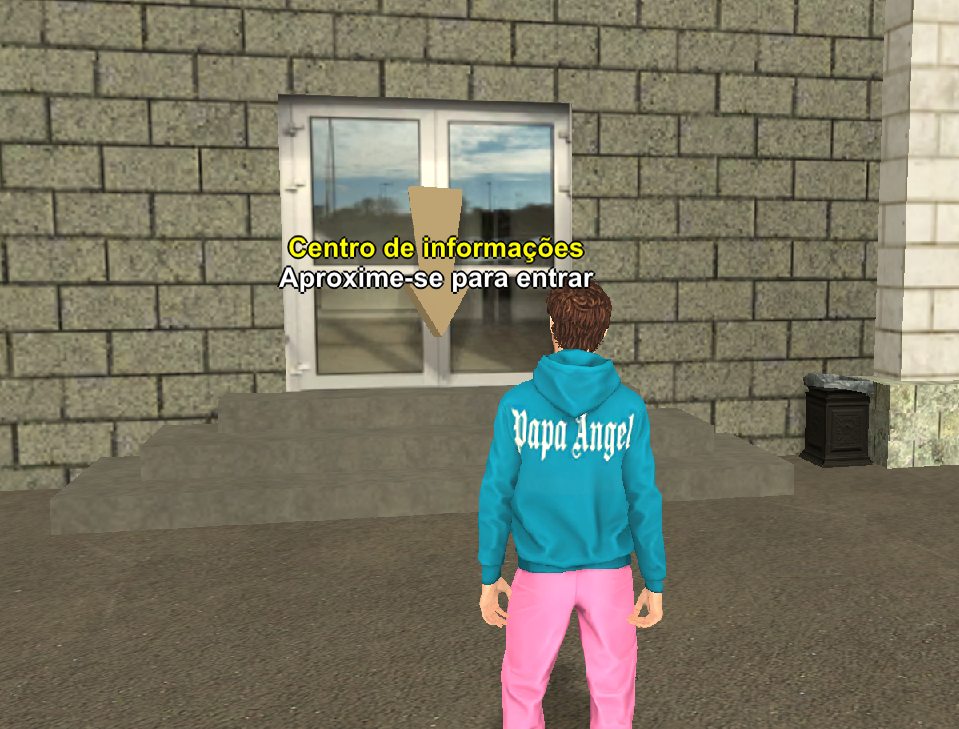
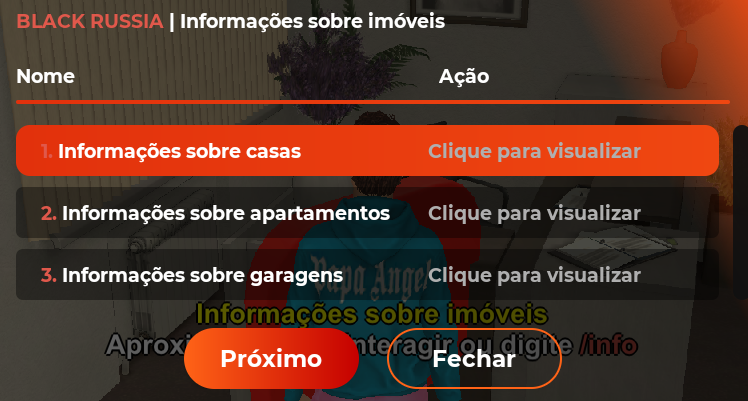
🔻 Select a property from the list.
🔻 In the Sale Time column, check when it becomes available.
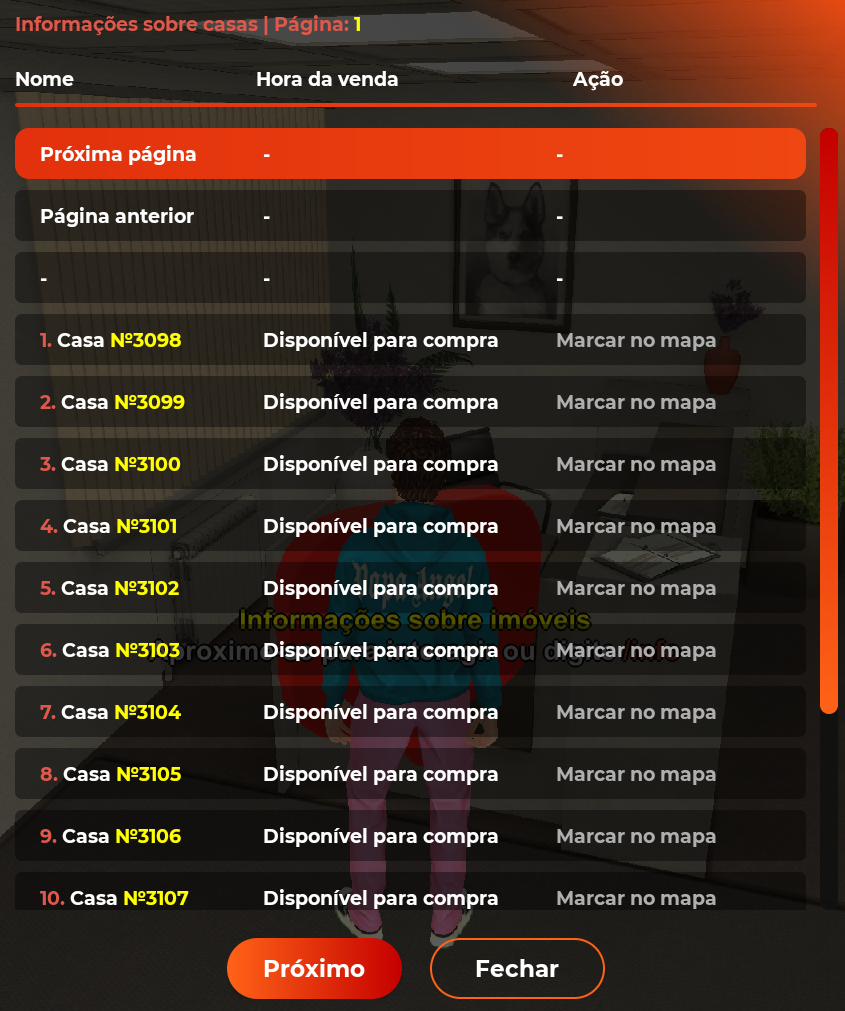
🔻 Tap the property to place a marker on the map.
🧾 Rent Payment
After buying a property, you must pay daily rent at any Bank.
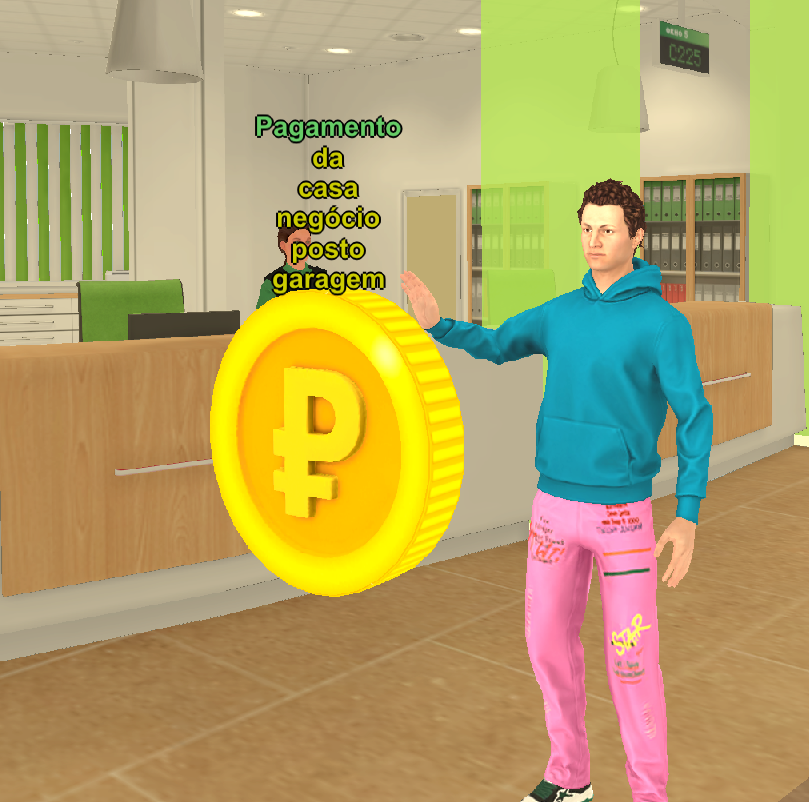
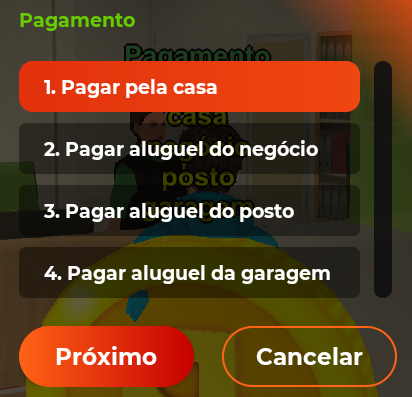
🔻 Approach the bank terminal and select Pay for Home.
🔻 Choose the quantity of days to pay for.
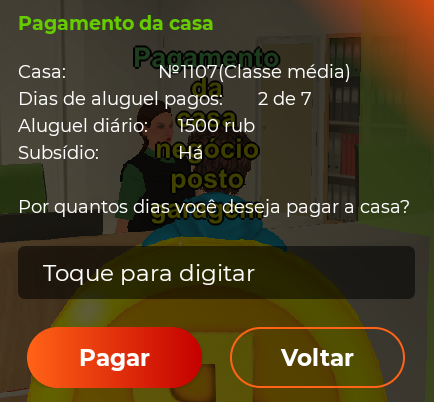
Max payment period:
Without VIP — 7 days.
VIP Gold — 14 days.
VIP Platinum — 30 days.
💡 Rent price is taken from your bank account.
⏫ Home Upgrades
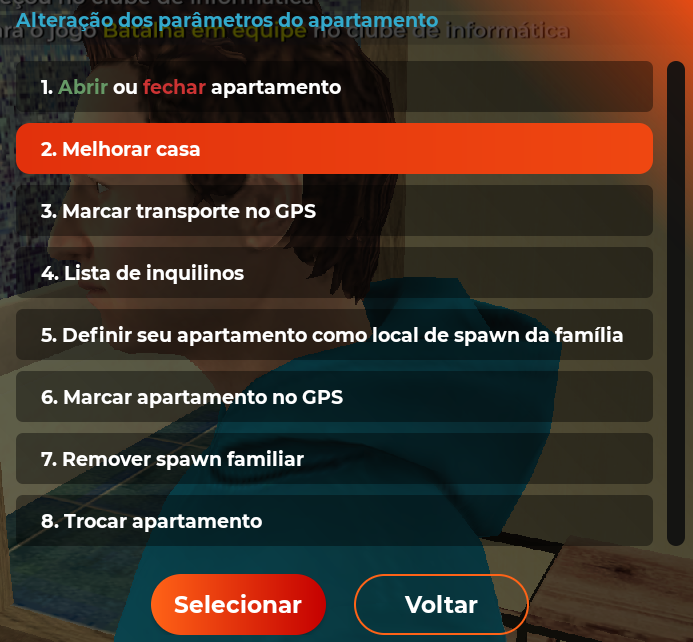
Type /home into the game chat➡️ Upgrade Home.
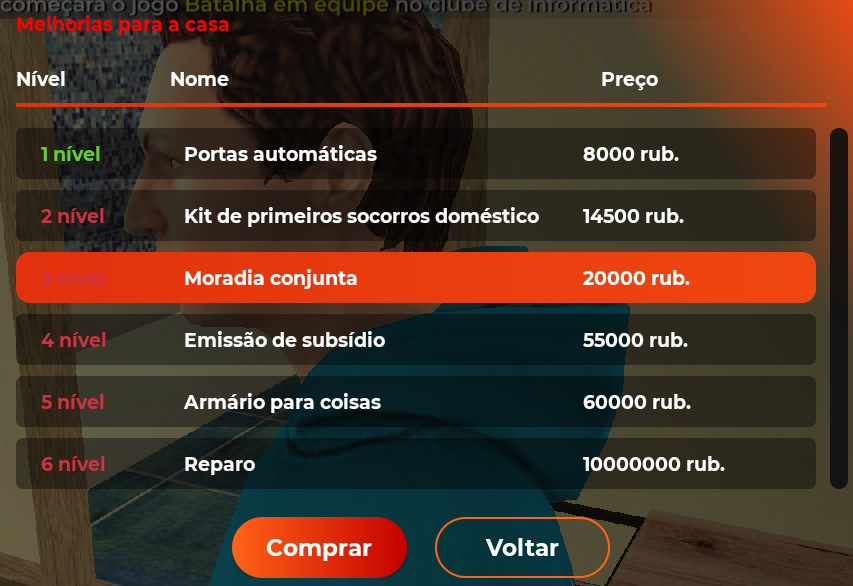
Available upgrades
🔻 Auto Doors — exit without commands.
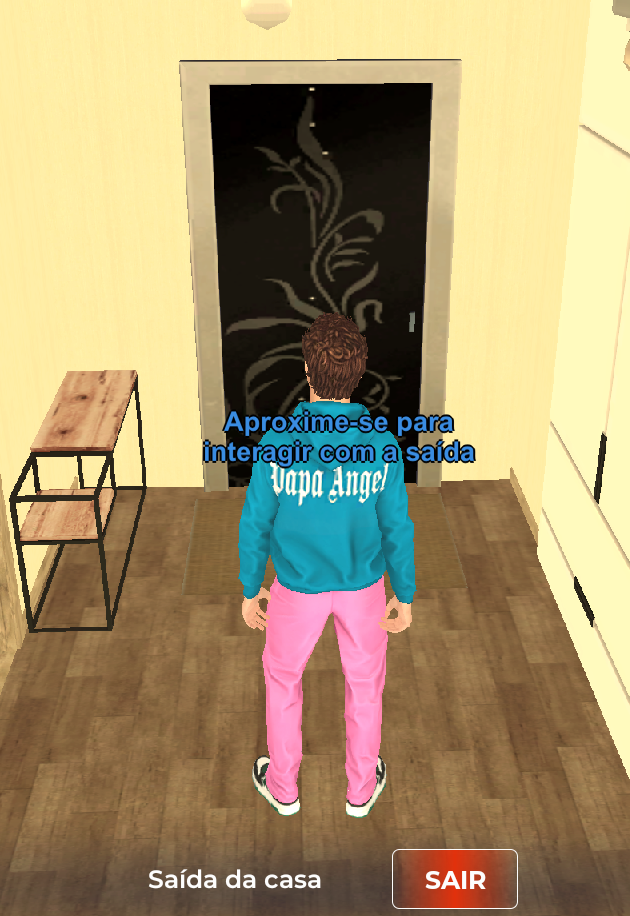
🔻 First Aid Kit — restore health at home.

🔻 Shared Living — add roommates via /live command in the game chat.
🔻 Subsidy — reduce rent cost.
🔻 Storage Closet — adds item storage. Move it with /makestore.
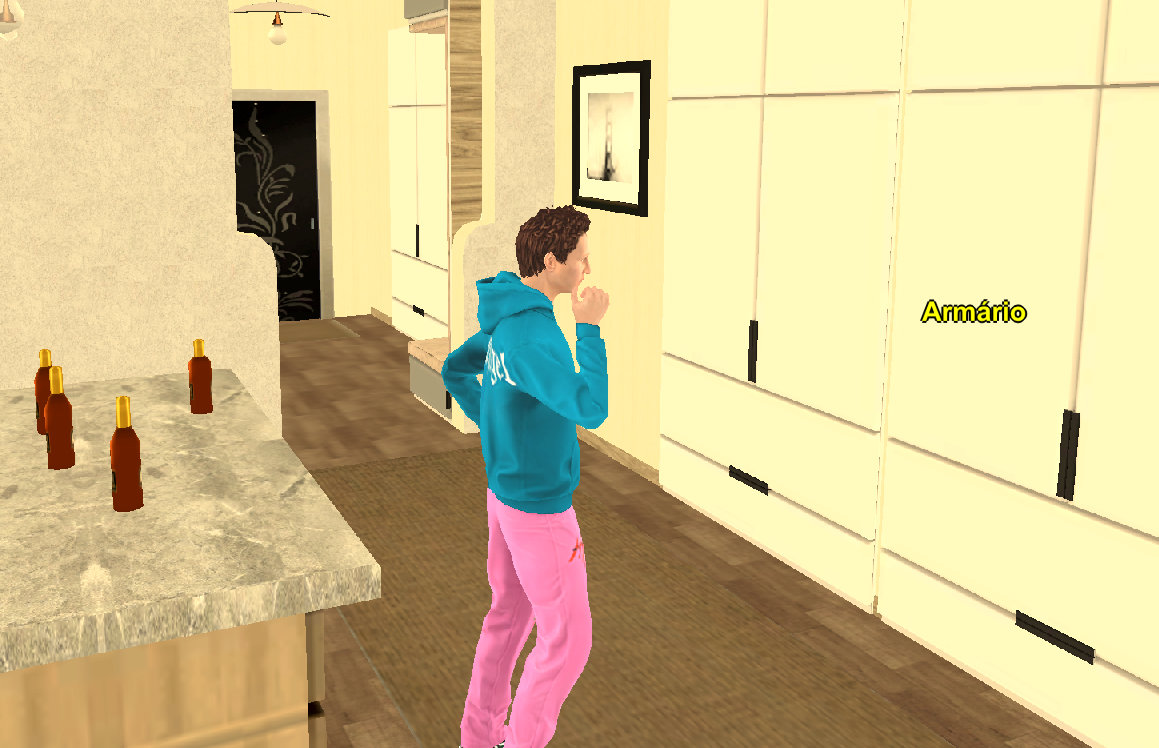
🔻 Renovation — modern interior (mid-class housing only).
🗄️ Basement (Private Houses Only)
Basement is purchased separately.

Bonuses
🔻 You can grow medical herbs.
🔻 You can craft items at the workbench.
💡 Upgrades are available via the /home command in the game chat ➡️ Basement Upgrade.
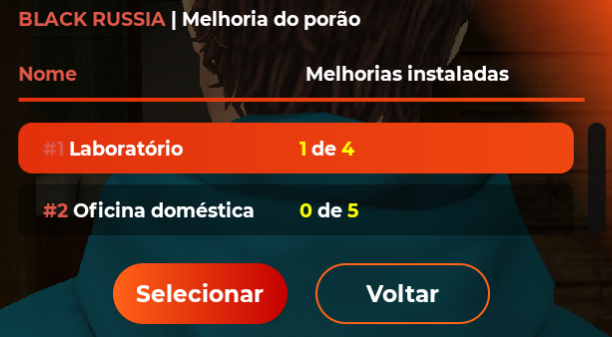
🔻 Laboratory — reduces herb growth time.
🔻 Workshop — unlocks more crafting items.
🔁 Selling Property
Selling to the State
🔻 Type /sellhome.
🔻 You receive 70% of base price + 60% of upgrade cost.
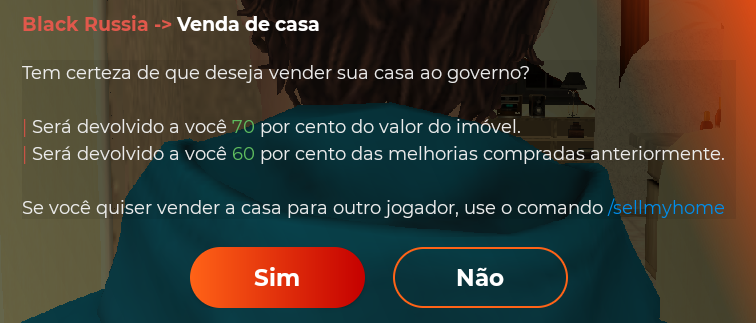
💡 Fast, but less profitable!
Selling via Auction
🔻 Type /auction ➡️ Sell ➡️ Type.
🔻 Select Real Estate.
🔻 Enter description and price.
🔻 Tap List Lot.
Selling to Another Player
🔻 Both players must stand near the property.
🔻 Type /sellmyhome [player ID] [price] into the game chat.
🔻 Wait for confirmation.

💡 1% commission applies.
You can also exchange property via /changeprop [player ID].
👨👩👧 Family Ownership
🔻 Type /home ➡️ Edit ➡️ Set as Family Spawn Spot.
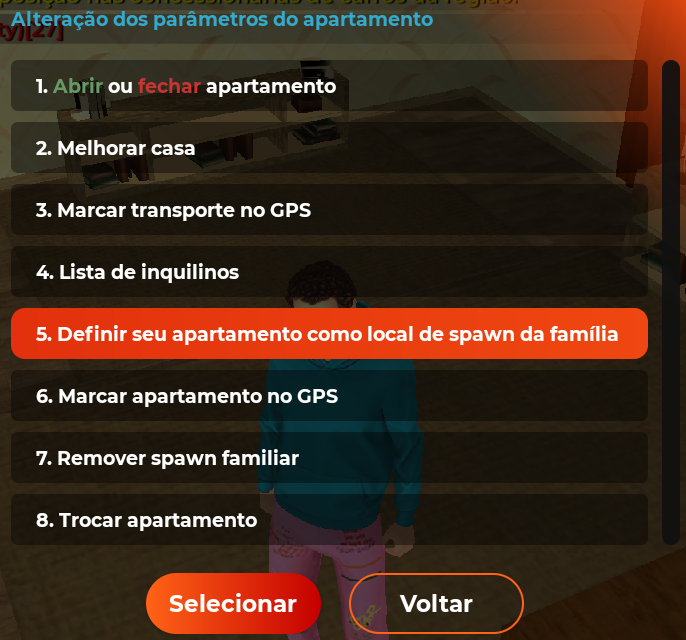

💡 Only the family leader can do this.
🔻 Family members can then select Family Home as their spawn spot.
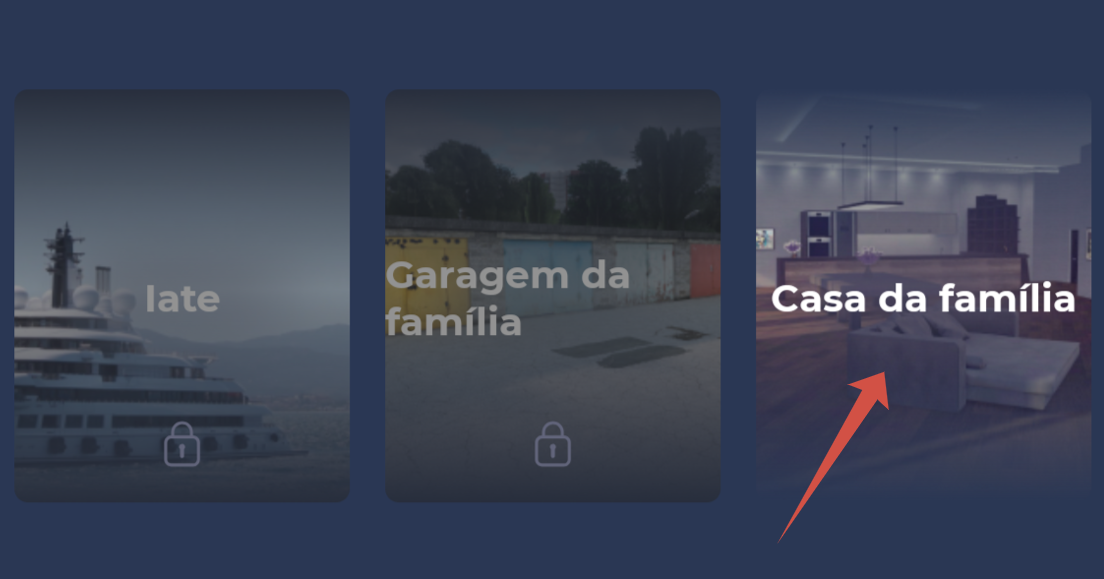
📌 Important
🔻Items left in the basement workbench are not returned after sale.
🔻Take valuable resources before selling.
🔻All upgrades affect the sale price.
Buying a home starts a new chapter in your game life. Make it a place you always want to return to 👐🏻