
The case system in BLACK RUSSIA offers a wide variety of cool rewards. In this article, we’ll walk you through all its features and show you where to start.
🔴 Case Types
Daily Case
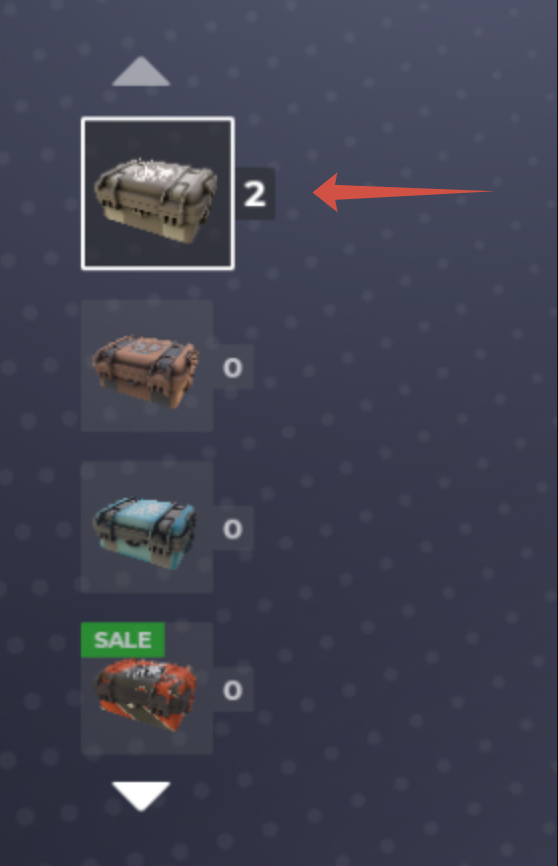
🔻 Get a Daily case by completing tasks in Black Pass. Just earn enough points - your progress shows next to the chest icon. Tap it to see exactly how many points you still need!
🔻 Claimed containers appear in the menu on the left.
Cases for BC (Black Coins)
🔻 These are containers you can open unlimited times using Black Coins: the Hobo Case, Standard Case, and Auto Case. All of them can be found in the menu on the left side of the screen as well.
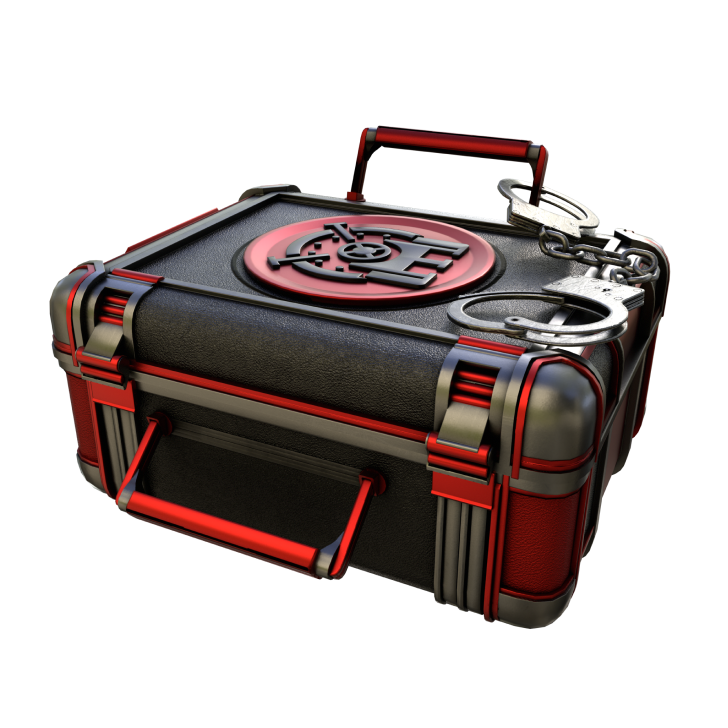
🔻 There are also Seasonal Cases — special limited-time containers with unique themed and exclusive rewards. You can get them by participating in the seasonal activities like Black Pass or special events. Seasonal Cases are available for a limited time, their design changes each season. For example:
Special Case
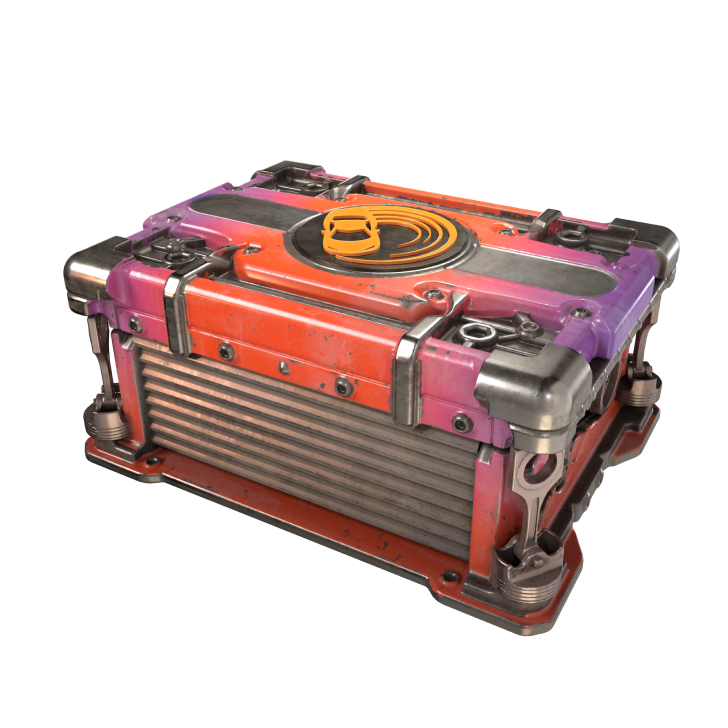
🔻 An exclusive case unlocked by filling Luck Bar. It contains a large selection of premium cars.
🔴 How Do I Open a Case?
Let’s go through the full process from receiving a case to opening it.
🔻 Go to Store ➡️ Cases.

🔻 Choose any available case from the left, preview the rewards, and tap Open.
🔻 If you don’t have a case, you can buy one and open it immediately with Black Coins by selecting Open x1 or Open x10.
🔻 You can also claim an obtained case via Tablet ➡️ Loot.
🔻 Here you can view all your received rewards, cases included.
💡 For convenience, use the tabs at the top of the screen — Cases, Skins and Accessories, Transport, etc.
🔻 Find the case you want and click Claim.
🔻 Go back to the Cases window, where your case now appears in the left panel.
🔻 Tap Open to get your reward!
🔻 After opening, your rewards will pop up on the screen!
🔴 What Can I Do With My Reward?
🔻 When you open a case, you’ll see two options: Claim it or Turn it to dust.
🔻 Clicking Claim sends the reward to your Loot.
🔻 Clicking Turn to Dust converts the item into Dust, which helps fill up your Luck Bar.
💡 You can turn to dust almost everything except experience and currency.
How do I Claim the Case?
🔻 Tap Claim, and the rewards will be sent to Tablet ➡️ Loot.
💡
- Сlothing and accessories go to your Inventory;
- Transport goes to Tablet ➡️ Vehicles;
- Currency is added to your account balance;
- Experience is added to your account progress.
How do I Turn Items to Dust?
🔻 At the top of the window, you’ll see the golden Luck Bar, which fills with crystal-like currency earned by turning items to dust.
🔻 Collect 2,000 dust pieces to receive a Special Case. After claiming it, your progress resets, and the bar begins filling up again as you continue to turn items.
🔻 After opening 10 cases, select any item you want to turn to dust. The amount of dust pieces for each item will be displayed, and the Turn to Dust button will become available.
⚠️ Turning items to dust is irreversible. You will not be able to restore or claim the item afterward.
🔴 Bonus Rewards
🔻 The more cases you open, the better guaranteed bonuses you unlock.
🔻 To claim a bonus, open the required number of cases and click on the reward. Each bonus can be collected only once.
🔻 The list of rewards is displayed in the bonus menu on the right.
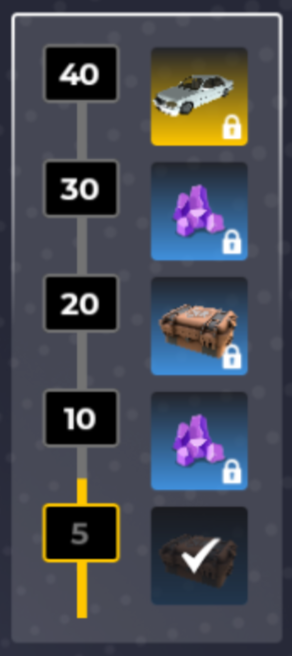
💡 The bonus bar refreshes automatically: once you’ve claimed all rewards, it resets so you can fill it up again.
Open cases, collect rare trophies, and don’t forget to turn items to dust — sometimes a Special Case can bring you far more than you expect. Fortune favors the bold! 🍀