
The marketplace makes it easy to buy and sell goods through a new unified interface. At launch, it will feature accessories, skins, and crafting components, with more to come.
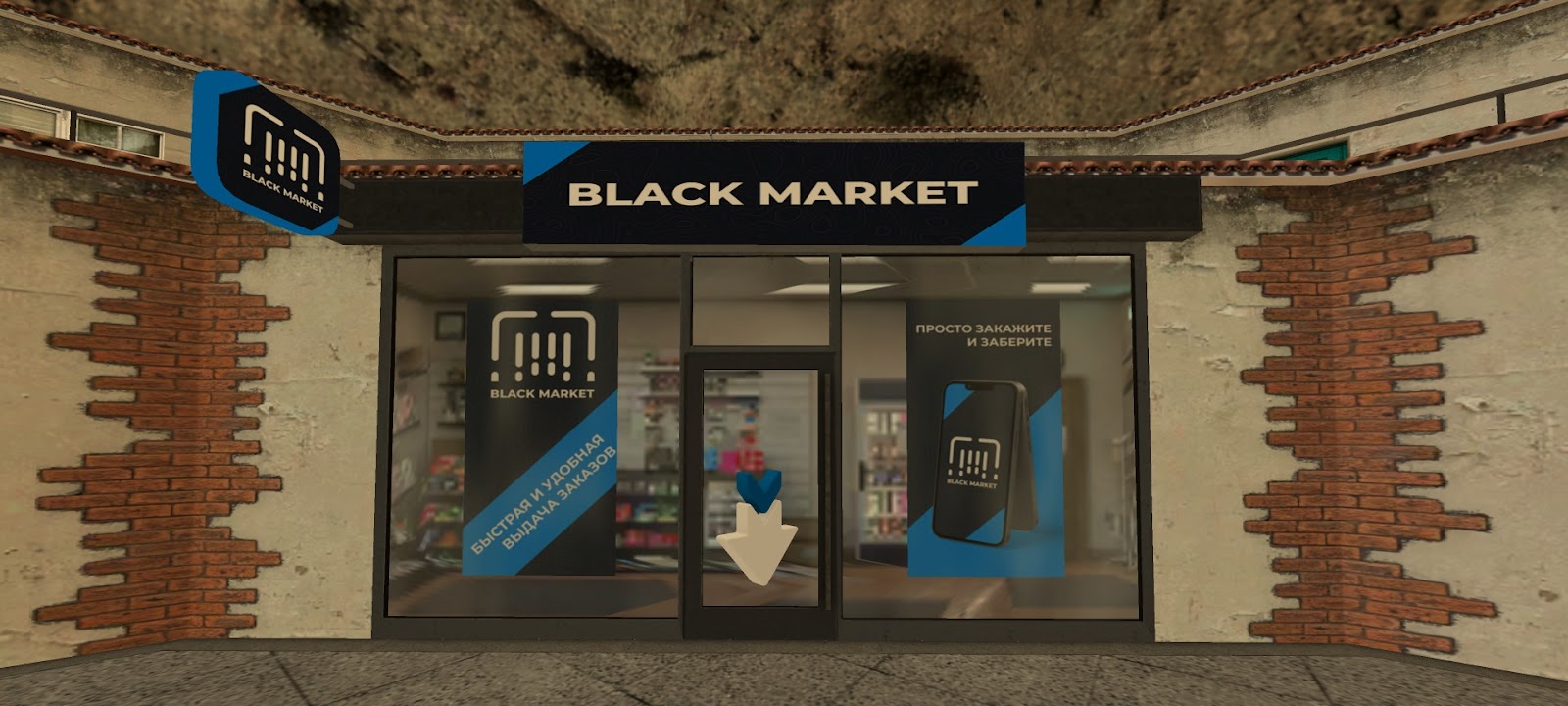
The Marketplace includes a convenient search and listing system, as well as order pickup points. You can find it in Tablet ➡️ Marketplace.
🔴 How Do I List an Item?
🔻 Open the menu and go to Marketplace.
🔻 Navigate to the ad creation section.
🔻 Select an item from your inventory, set the quantity, and choose a price.
🔻 When the item is sold, the funds will be automatically transferred to your personal account.
🔻 Listing duration depends on your VIP status: 12 hours without VIP or with VIP Silver, 24 hours with VIP Gold, and 72 hours with VIP Platinum.
🔻 If your item doesn’t sell in time, it will be automatically removed from the Marketplace and sent to a pickup point, where you can retrieve it.
🔻 Listing duration depends on your VIP status: 12 hours without VIP or with VIP Silver, 24 hours with VIP Gold, and 72 hours with VIP Platinum.
🔻 If your item doesn’t sell in time, it will be automatically removed from the Marketplace and sent to a pickup point, where you can retrieve it.
🔻 Once the product card is ready, click Apply.
🔴 How Do I Edit My Listing?
To edit your listing, go to My Products ➡️ Edit. You can also remove the item from sale there or pick it up from the pickup point.
🔴 How Do I Purchase?
🔻 Open Tablet ➡️ Marketplace and go to the Black Market.
🔻 Choose an item from the list and review its description.
🔻 Select the desired quantity and make sure you have enough funds in your account.
🔻 After the purchase, visit any nearby pickup point to collect your order.
💡 The listing duration for each item is shown on the product page.
🔴 The Search Bar
Seller Profile
This section provides information on items sold, total revenue, best-selling products, and more.
Order Pickup Point

As mentioned, you can pick up your purchased items, as well as items whose listing period has expired or that you've withdrawn from sale, at the pickup point. Items are stored in the warehouse for 7 days.
Purchase History
Here you can view all your purchases and sales over a selected period.
Favorite Products
You can mark products you like with a heart, and they will appear in the “Favorites” tab. Items that are sold or discontinued will be automatically removed from the list.
Notifications
To help you stay on top of your items, you’ll receive notifications. You’ll be alerted when items reach the end of their shelf life at the pickup point, when an item is purchased or withdrawn from sale, when it’s being scrapped, and other important events. Look for the red mark above the bell icon in your Tablet.
📌 Important
🔻 You can only list items that are in your inventory. Items stored in Loot, warehouses, or other locations can’t be put up for sale.
🔻 The number of listings you can create is limited. Activate Platinum VIP to increase your limit and enjoy lower listing fees and reduced sales tax.
🔻 Boost your product with the paid Product Advertising service. Hot ads are featured at the top of the list.
🔻 Editing your listing incurs a fee.
🔻 Items are stored at the pickup point for up to 7 days. Unclaimed items will be permanently lost.
🔻 To make it easier to find products, you can use filters by category and rarity, as well as sort items by price.